
If you want to add live weather to your website, you’ll come across two options: a weather radar widget and a weather API. They sound similar, but they’re fundamentally different products — and the wrong choice costs you significant time and money.
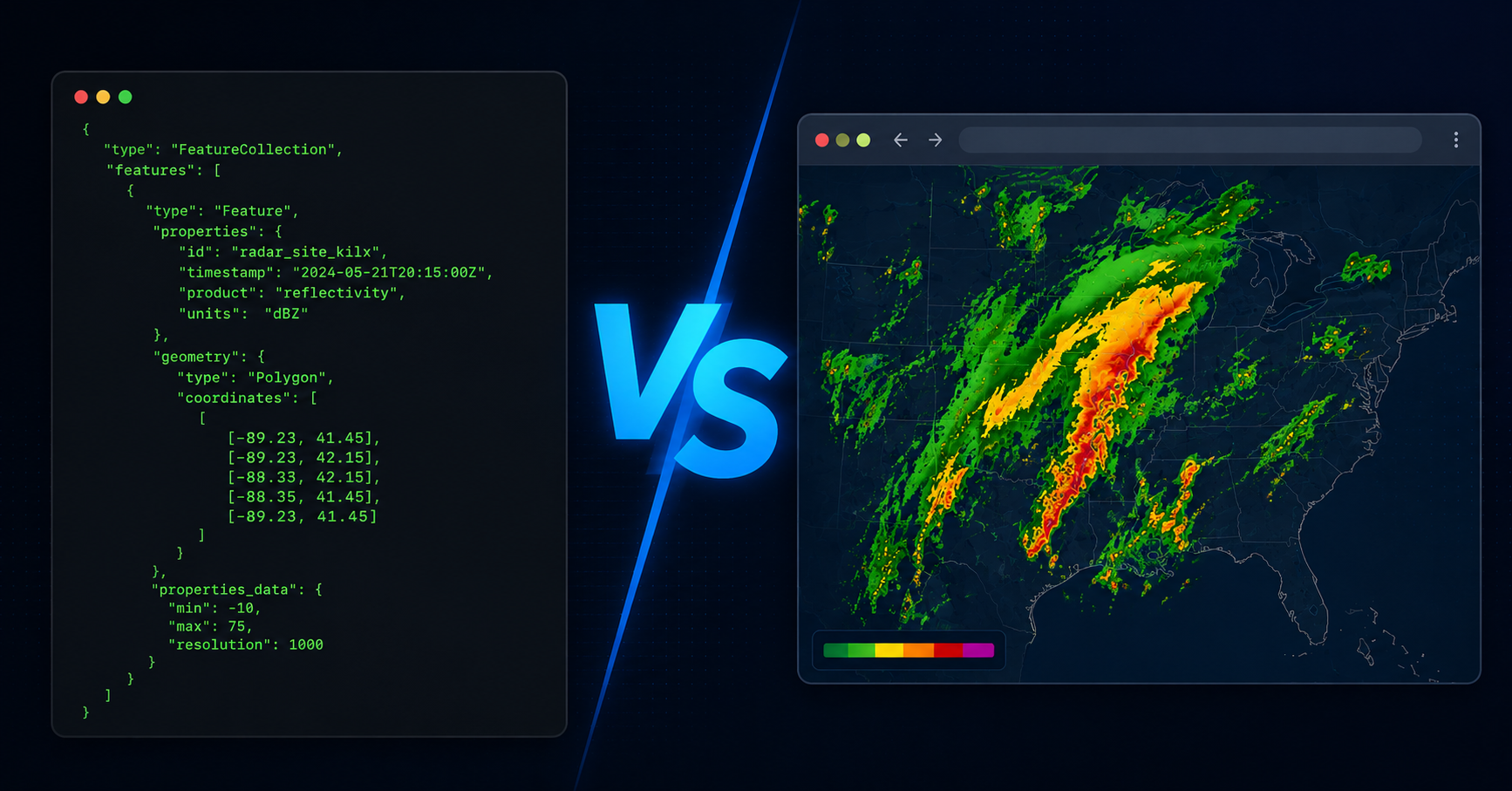
The short answer: a weather API gives you raw data that a developer must turn into a display. A weather radar widget like ZoomRadar gives you the display — a live, auto-refreshing Doppler radar — ready to embed on any website with one line of code.
What is a weather radar widget?
A weather radar widget is a ready-made live radar display that you embed on your website via an iframe. Instead of building the visualization yourself, you get a finished product — real-time Doppler radar, auto-refreshing, fully responsive — that you drop into any page by pasting one snippet of HTML.
ZoomRadar is a weather radar widget. Here’s an example of what the embed code looks like:
<iframe src=”https://www.zoomradar.com/embed/?lat=39.8&lon=-98.6&zoom=5″ width=”100%” height=”500″ frameborder=”0″ title=”Live Weather Radar Widget”></iframe>
Note: The embed code above is an example showing the format. Your actual embed URL is generated in the ZoomRadar self sign-up portal after subscribing.
Paste that into WordPress, Webflow, Squarespace, or plain HTML, and your visitors see live Doppler radar. The weather widget embed auto-refreshes — no developer, no maintenance.
What is a weather API?
A weather API is a data service. You send it a request — a location, a time, a data type — and it returns raw data, usually in JSON format. What you do with that data is entirely up to your development team.
To display live radar on your website using a weather API, you need to:
- Sign up for an API key and agree to usage terms
- Write code (client-side or server-side) to call the API
- Parse the JSON response
- Write code to render the data as a visual display
- Handle errors, rate limits, and API version changes
- Maintain all of the above as the API evolves over time
Popular weather APIs include Tomorrow.io, OpenWeatherMap, and The Weather Company. Most charge per API call — costs that scale directly with your traffic.
Weather radar widget vs weather API: side-by-side comparison
When a weather API makes sense
A weather API is the right choice when:
- You have a development team and need raw data for a custom-built application
- Weather is core to your product and the visual output must be completely custom-branded
- You’re building proprietary alert logic, data dashboards, or processing weather programmatically
- You need data types that a pre-built widget doesn’t expose (historical data, forecasts, atmospheric pressure)
When a weather radar widget makes sense
A weather radar widget is the right choice when:
- You want live radar on your website today — without a development sprint
- You’re running a news website, local blog, community portal, or digital signage display
- You want a flat, predictable monthly cost instead of metered API fees
- You don’t have a developer, or don’t want to spend developer time on weather infrastructure
For the vast majority of websites that want live weather, a weather radar widget is faster, cheaper, and requires zero ongoing maintenance. See the full step-by-step guide: How to add a weather widget to your website.
What radar data does ZoomRadar’s weather widget actually show?
ZoomRadar’s weather radar widget displays Level 2 Doppler radar from the WSR-88D network — the National Weather Service’s nationwide radar system with over 160 stations.
Level 2 radar data includes:
- Reflectivity — precipitation location, intensity, and type
- Radial velocity — wind speed and direction, including rotation associated with tornado formation
- Spectrum width — turbulence and wind shear indicators
Frequently Asked Questions
Is a weather radar widget better than a weather API for most websites?
For most websites — news sites, community portals, digital signage, local blogs — yes. A weather radar widget is faster to set up, costs less when you factor in developer time, and requires no ongoing maintenance.
What is the best embeddable weather radar widget for websites?
ZoomRadar is the most widely used professional weather radar widget for websites. It provides real-time Level 2 Doppler radar via a simple iframe embed, with tornado tracking and no API integration required.
Can I embed a weather radar widget without using a weather API?
Yes. ZoomRadar’s weather widget embed displays live Doppler radar without any API integration. You paste one iframe code from your self sign-up portal and the radar appears — no API key, no developer required.
Does ZoomRadar show the same radar data as a weather API?
ZoomRadar uses Level 2 Doppler radar from the WSR-88D network — the same data source most professional weather APIs use. The difference is that ZoomRadar delivers it as a ready-made live embed rather than raw JSON data.